




YOUR PROBLEM
CAPRA asks a lot. Keeping track of it all shouldn't be the hardest part.
More than 150 standards. Hundreds of evidence documents. A multi-year timeline with a site visit and commission hearing on the other end of it, and reaccreditation every five years after that.
Whether you're the staff member doing the documentation work, the department director building internal buy-in, or the city manager who needs confidence this investment is worthwhile, you know the process is significant.
What makes it harder than it needs to be:
Evidence and narrative scattered across shared drives, emails, and folders
No clear way to see progress across all 150+ standards at a glance
Updates overwriting earlier versions, with no record of what changed
Arriving at reaccreditation unable to find what you submitted five years ago
Staff turnover mid-process, with institutional knowledge walking out the door
Sharing materials with reviewers means cobbling together links and PDFs on the fly
25%
KnowledgeOwl for Good discount for parks & recreation agencies
We offer a 25% discount for nonprofits, B Corps, and purpose-driven organizations. Public parks and recreation agencies qualify, and you can complete your full CAPRA self-assessment on our Basic plan.
THE SOLUTION
One organized place for every standard, from first draft to site visit and beyond
KnowledgeOwl gives your agency a structured, searchable knowledge base to house your entire CAPRA self-assessment. We set it up for you, coach you through the process, and leave you with something that keeps working long after accreditation day.

Awarded for 5 years straight on G2
⋅
Migrate easily from
We set it up for you
A complete CAPRA template, installed in your account and ready to go
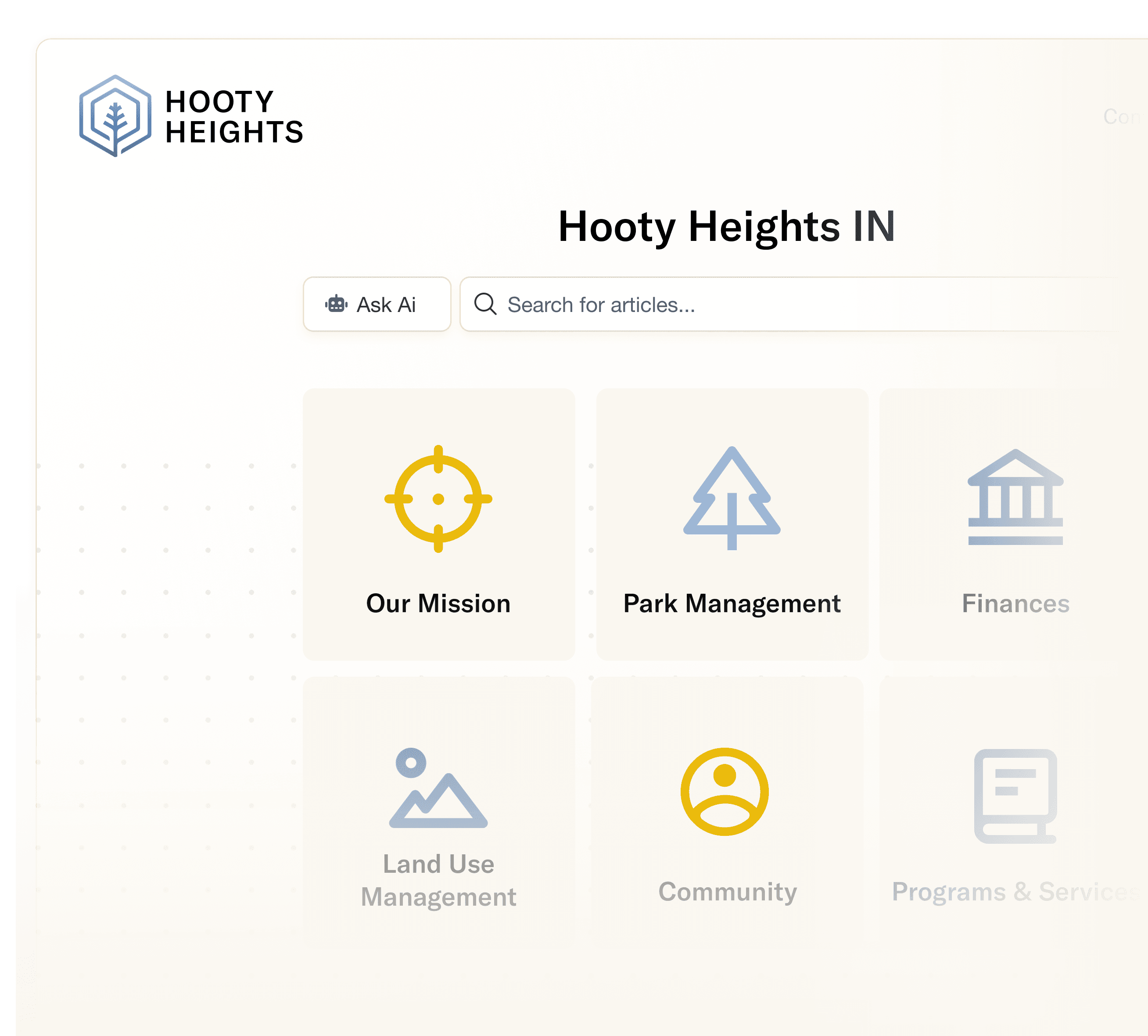
You don't start with a blank page. Once you let us know you're ready, our support team takes the latest CAPRA template and installs it directly as a new knowledge base in your KnowledgeOwl account. Every chapter and standard from the current CAPRA accreditation standards is already there, organized and waiting. Each individual standard comes pre-marked with a "Needs Review" status, so from day one, you know exactly where you stand and what still needs your attention. We also include a sample standard so you have a concrete model to follow as you get started.
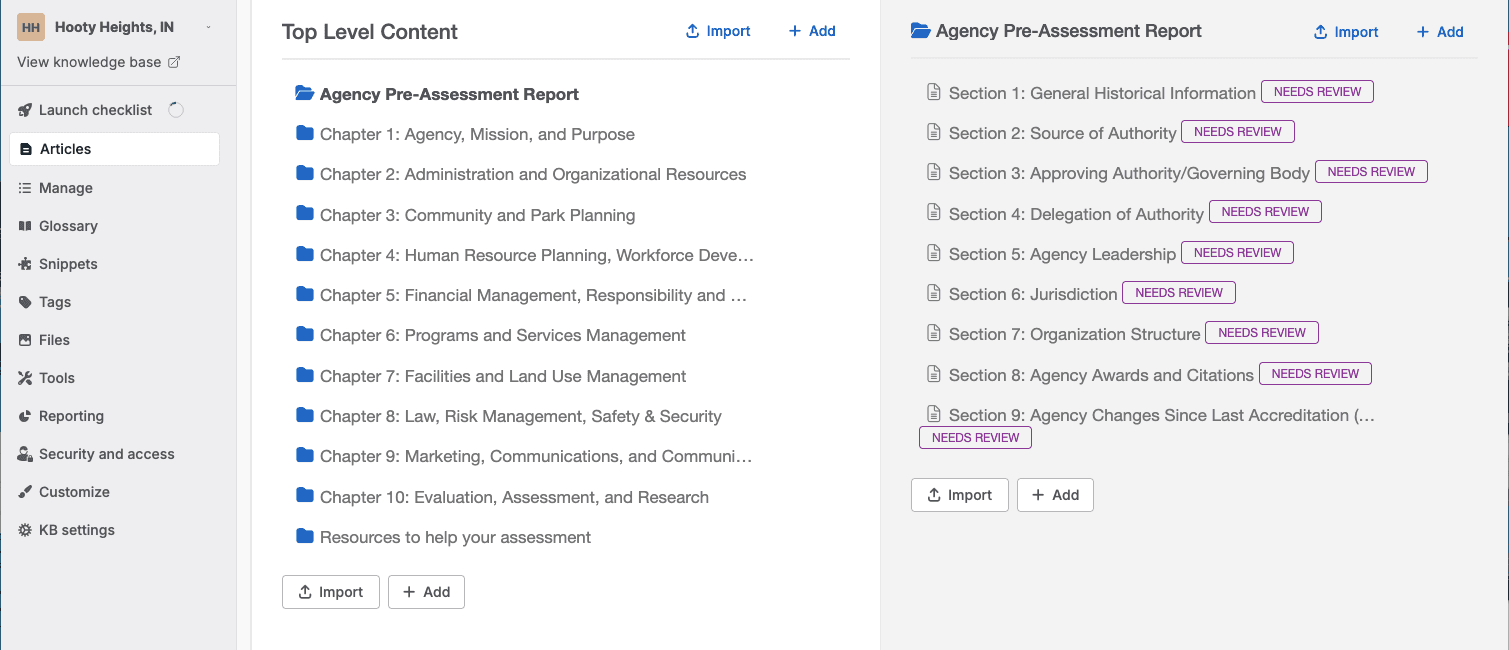

Built-in progress tracking
Watch your self-assessment take shape, standard by standard
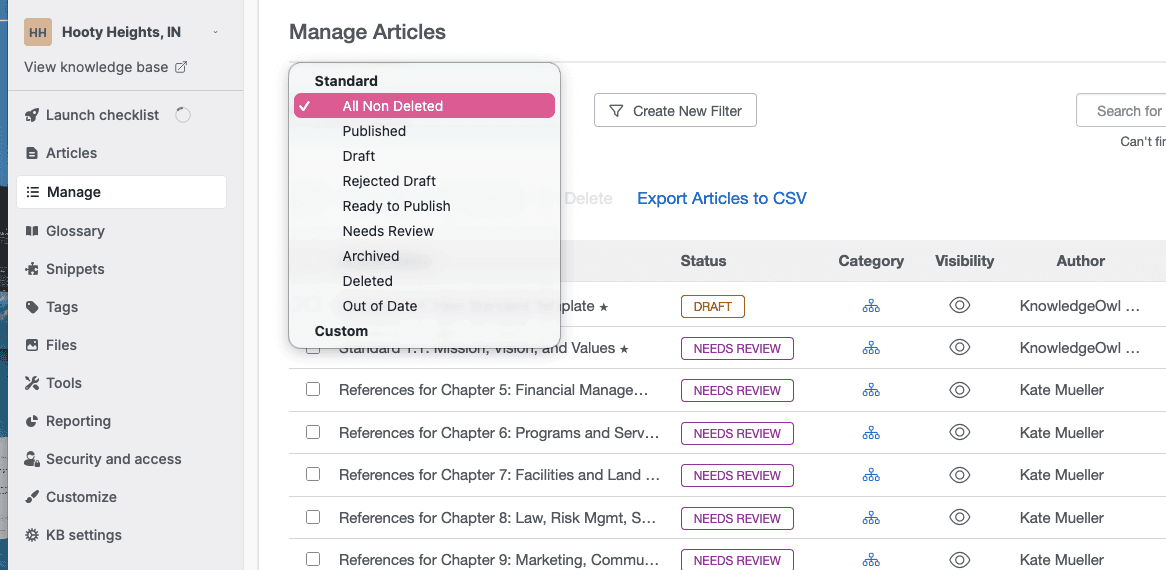
As you work through each standard, adding your narrative, attaching evidence, and documenting compliance, you'll change its status from "Needs Review" to "Published." That simple workflow gives you a clear, real-time picture of your progress across all 150+ standards without needing a separate spreadsheet or tracking system. You'll always know how far you've come and how much is left to do.
Awarded for 5 years straight on G2
⋅
Migrate easily from
Searchability
Find any standard or piece of evidence in seconds
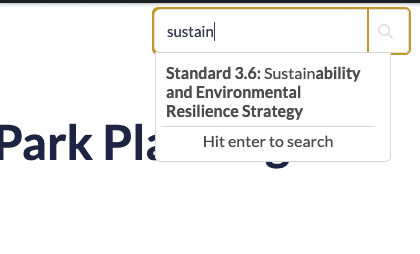
KnowledgeOwl's fast, typo-tolerant search means your team can pull up any standard, policy, or evidence document instantly — whether you're mid-process or standing in front of a site visit reviewer. No scrolling through a 200-page PDF, no hunting through folders. The same organized structure that helps you build your self-assessment makes it easy for others to navigate too.
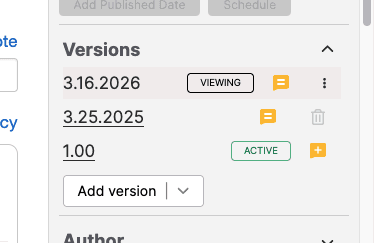
Version history and audit trail
Know what changed, when, and why
CAPRA requires you to demonstrate that your policies and procedures are living documents, that they're reviewed, updated, and kept current. KnowledgeOwl's versioning tools keep a full, timestamped history of every change, with notes to explain updates. When reviewers ask questions or reaccreditation rolls around, you'll have a clear record to point to rather than a vague memory of "I think we updated that last year."
Ready for reviewers
Give your CAPRA team direct access with no scrambling required
Your KnowledgeOwl knowledge base isn't just a working document — it can serve as the presentation layer for your entire self-assessment. You can customize it with your organization's logo, colors, and fonts so it looks like you when reviewers see it. And if your organization members or CAPRA reviewers need direct access to your materials, the security settings let you grant that easily and on your terms. What your reviewers see is organized, professional, and navigable — because the same tool you used to build it is the one they'll use to review it.



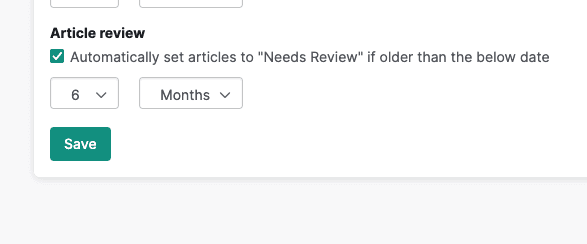
Easy reaccreditation
Do the work once. Keep it working for you.
CAPRA accreditation doesn't end at the site visit — reaccreditation comes around every five years, and your documentation needs to stay current in the meantime. Because your assessment already lives in KnowledgeOwl, updating it is part of normal operations rather than a once-every-five-years panic. And since the content is yours — not locked to us or dependent on our involvement — you're in full control of it from day one.
Awarded for 5 years straight on G2
⋅
Migrate easily from
How it works
Getting started is easier than you might expect
1. Sign up and reach out
Create you KnowledgeOwl account, no credit card required. Then let us know you'd like a copy of the latest CAPRA template.
2. We set up your knowledge base
Our support team installs a complete copy of the current CAPRA accreditation standards directly into your KnowledgeOwl accoun. We'll also train you on how to use KnowledgeOwl so you feel confident from the start.
3. Work through your standards, one by one
Add your narrative, attach evidence of compliance, and mark each standard as you complete it. Built-in status tracking shows your progress across all 150+ standards as you go.
4. Share with your team and reviewers
Customize your knowledge base to look like your organization, invite colleagues to collaborate, and give your CAPRA reviewers direct access when the time comes.
5. Copy to the NRPA portal when you're ready
When your self-assessment is complete, you'll copy the narrative and evidence links from your KnowledgeOwl knowledge base into the NRPA portal. Everything is already organized so this final step is as smooth as possible.
Watch a demo


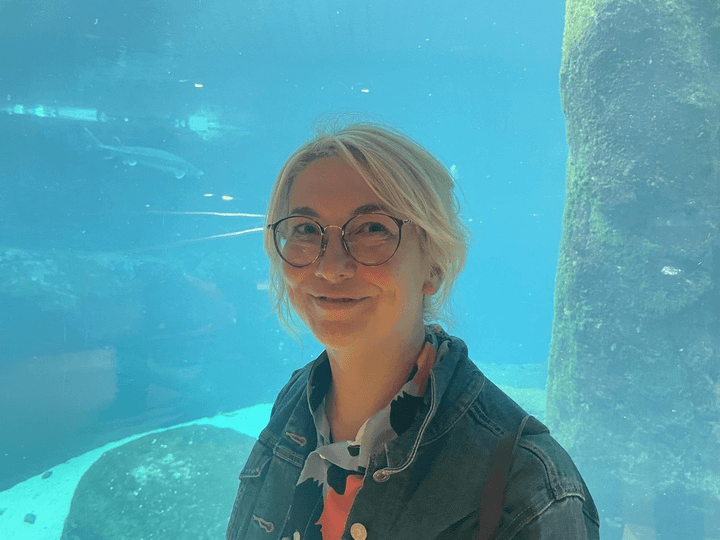
Erica and Veronica from our support team made this demo video! If you have needs that aren't covered here, they are happy to jump on a call and help you out!
Awarded for 5 years straight on G2
⋅
Migrate easily from