All articles
The complete guide to knowledge base SEO and AI discoverability
Your docs are already working hard, Here's how to make sure Google and AI tools can find them. Traditional KB SEO best practices plus GEO and AEO, in one place.
Published
Category

Introduction
Here's a scenario that might feel familiar. You're proud of your knowledge base that holds solid documentation with clear steps and accurate information. The search even works well, but somehow your Support queue is still full of question that are answered in the knowledge base.
Some of that is a findability problem within your KB. But a growing part of it is a discoverability problem outside your KB, in Google, in Perplexity, in ChatGPT, in every search interface your customers are using before they ever open a support ticket.
However, there is good news: your knowledge base is incredibly well-positioned to rank for the exact questions your customers are asking. It's focused, authoritative, structured, and genuinely useful. It just needs a little intentional work to make sure the right readers, both human and AI, can actually find it.
This guide covers everything in one place: why KB SEO is different from general website SEO, the traditional optimization fundamentals that still matter, and the GEO/AEO layer that's changed the game in the last year. We'll also walk through how KnowledgeOwl supports all of it, if that's the tool you're using.
Why knowledge base SEO is different from regular website SEO
Most SEO content out there is written for marketers running blogs and landing pages. The advice is useful, but knowledge bases have a distinct set of characteristics that change the calculus a little.
Intent is more specific. Someone reading a blog post might be casually curious. Someone reading a knowledge base article has a specific problem they're trying to solve, right now. That means your content naturally aligns with high-intent search queries, which is actually a competitive advantage, if you capitalize on it.
Volume is high, but authority per page is lower. A knowledge base might contain hundreds or thousands of articles, each covering a narrow topic. That means you can't pour the same energy into every page. The goal is a strong baseline across all pages (title tags, meta descriptions, clean URLs, internal links) with deeper optimization on your highest-traffic and highest-value articles.
Content is functional, not persuasive. You're not writing to convert, you're writing to help. This makes keyword optimization feel awkward. The trick is realizing that your users' search queries are your keywords. "How do I reset my password in [your product]" is a keyword phrase. Write naturally for the person asking the question, and you're usually already optimized.
Updates matter for freshness signals. Search engines reward recently updated content. Knowledge bases get updated regularly anyway, which is a natural SEO advantage, as long as you're updating thoughtfully and not just touching articles to appear fresh.
Your docs can win new customers, not just support existing ones. This is worth pausing on. When someone searches for "how to [do a task your product helps with]," they may not know your product exists yet. If your public knowledge base answers that question clearly and authoritatively, you appear as the solution. This isn't hypothetical, it's one of the most underappreciated marketing channels for software companies. A well-built customer knowledge base doesn't just serve your existing customers. It introduces your product to people who didn't know they needed it.
The traditional SEO foundations: what still works
Before getting into the AI layer, it's worth anchoring on the fundamentals. These haven't become less important. They've become table stakes.
Step 1: Get your technical setup right
Before worrying about individual articles, make sure the basics are in place:
Make your knowledge base public. A private KB can't be indexed. If your use case allows for a public or mixed-audience KB, think through the public vs. private decision carefully, a mixed-audience setup can give you the best of both worlds.
Generate and submit a sitemap. This tells Google to index your site and how to structure what it finds.
Use clean, keyword-rich URLs. Your URL should describe the content:
/help/reset-password, not/help/article-3847.Redirect trailing slashes. This prevents the same page from being indexed under two different URLs.
Set up Google Search Console. It's free, it tells you exactly which queries are driving traffic to your KB, and it's invaluable for knowing what to optimize next.
Step 2: Optimize every article's metadata
For each article, and especially your most important ones:
Write a title tag that's accurate, human-readable, and under 60 characters. Don't rely on defaults.
Write a meta description under 160 characters that clearly summarizes the article and gives a reason to click. This is your micro-pitch for the page.
Put your target keyword in the first paragraph, in the title, and in the URL. Sprinkle it naturally throughout, but don't stuff it in.
Step 3: Structure your content for scannability
Search engines reward content that's easy to parse. So do readers who are stressed and in a hurry (i.e., most of your knowledge base's audience):
Use H2 and H3 headers to break up sections logically.
Use numbered lists for sequential steps and bullet lists for options or features.
Add alt text to every image, both for accessibility and for search indexing.
Link between articles wherever relevant. Internal links help search engines crawl your KB more thoroughly and help readers find related content.
Step 4: Think about content types strategically
Not every article has the same SEO potential. Different KB content types serve different purposes and the ones with the most search potential are usually your how-to guides and troubleshooting articles, since these match the queries real people are typing. Identify your highest-traffic articles using Google Search Console or your analytics tool, and invest extra time in optimizing those.
What's changed: the GEO and AEO layer
Traditional SEO optimizes for Google's crawler. That's still important. But your documentation now has a second, and rapidly growing, audience: AI tools that read your content, synthesize it, and present it to users without those users ever visiting your site.
GitBook's 2025 data puts this shift into stark numbers. At the start of 2025, AI systems accounted for roughly 9% of documentation readership on their platform. By December, that figure was 41–42%. That's not a spike, it's a new baseline.
This matters for two reasons. First, if AI can't find or parse your documentation, you're invisible to a massive and growing part of your potential audience. Second , and this is the piece that should get your attention, GitBook's data also shows that leads arriving from AI tools like ChatGPT convert at roughly 4x the rate of leads from organic search. These are high-intent, well-informed visitors. Your docs are already doing some of this work. The question is whether they're doing it as well as they could be.
Friend of KnowledgeOwl Michelle Knight has written a practical breakdown of how to make your docs AI-discoverable and we'd encourage you to read that alongside this guide. Her framework draws on two complementary practices:
Answer Engine Optimization (AEO): how you format and structure content so AI tools can scan and extract it easily.
Generative Engine Optimization (GEO): why AI tools should choose to cite your content as a trusted source.
These aren't separate checklists, they reinforce each other. Great structure without authority means AI might use your information without crediting you. Strong authority without clear structure means your expertise gets buried in a format AI can't efficiently process.
How to apply the AEO/GEO framework to your knowledge base
The table below summarizes the key attributes — and what they look like specifically in a knowledge base context.
Attribute | What it means for KB writers |
Readability (AEO) | Add a "Key takeaways" or "What you'll learn" section at the top of important articles. Give AI (and humans) an instant summary. |
Structure (AEO) | Use problem/solution headers ("Why isn't X working?" → "Steps to fix X"). FAQs are naturally AEO-friendly. |
Actionability (AEO + GEO) | End sections with clear next steps. Link to related articles. Don't leave readers (or AI) in a dead end. |
Authority (GEO) | Reference SMEs by name. Cite stats and data. Make clear that this content was written and reviewed by people who know the subject. |
Trustworthiness (GEO) | Link to credible external sources where relevant. Keep your content accurate and up to date. Note when articles were last reviewed. |
Technical markup (AEO) | Use clean header hierarchies (H1 > H2 > H3). Consider adding an |
A few KB-specific additions worth noting:
Add key takeaways to your most important articles. You don't need to retrofit your entire knowledge base overnight — start with your highest-traffic articles, your homepage, and any articles that appear on the first page of Google for relevant queries.
Write question-phrased headers where natural. "How do I export my data?" is more AEO-friendly than "Data export." It matches the way people (and AI prompts) are actually phrased.
Add an llms.txt file. This is an emerging standard that gives AI systems a clear, structured map of your documentation — similar to what a sitemap does for Google. It's a small technical addition with meaningful impact on AI discoverability.
Keep your robots.txt intentional. If you have sections of your KB you don't want crawled (by search engines or AI scrapers), your robots.txt settings are your control point. Make sure they're set deliberately, not accidentally blocking content you want discovered.
If you're using KnowledgeOwl
The features you need to implement everything above are already in the platform. Here's a quick map:
Technical setup
Generate a public sitemap under KB settings > Domain > SEO settings. Submit it to Google Search Console for full indexing.
Enable the trailing slash redirect in the same settings panel to prevent duplicate URL indexing.
If you use a custom domain, redirect your KnowledgeOwl subdomain to it, in KB settings > Domain, to avoid duplicate content penalties.
Add an
llms.txtandrobots.txt, also within KB Settings > DomainAdd your Google Search Console verification tag and any custom Customize > Style (HTML & CSS) > Custom head.
Article-level optimization
Set a custom title tag and meta description (summary) on every article using the fields in the article editor. Don't rely on defaults for your most important pages.
Use SEO-friendly permalink slugs, KnowledgeOwl lets you customize these for every article.
Use the Insert Link to Article editor control for internal links, so links stay stable even if article URLs change.
Add alt text to images using the image editor pop-up.
Measurement
Use Owl Analytics for traffic, pageviews, entry/exit pages, and site search terms, all built-in and ready to go.
Connect Google Search Console to see exactly which search queries are sending visitors to your KB. This is your roadmap for what to optimize next.
Use the Average page load time report in Owl Analytics to identify and fix slow-loading pages (page speed is a Google ranking signal).
AI discoverability
Your KB's clean, semantic HTML structure is already a strong foundation for AI parsing.
Use the Custom head field to add any emerging structured data or schema markup as standards evolve.
Our full SEO guide in the KnowledgeOwl support documentation walks through each of these features in detail.
Your next steps
You don't need to do all of this at once. Here's a practical sequence:
Confirm your KB is public and your sitemap is submitted to Google Search Console. Nothing else matters if you're not indexed.
Audit your top 10 articles for title tags, meta descriptions, and URL slugs. Fix the gaps.
Add key takeaways to your five most-visited articles. This single change improves both human readability and AI extractability.
Restructure one article using problem/solution headers and numbered steps. Use it as a template.
Add an
llms.txtfile to your KB to signal to AI crawlers where to find your content.Set up Google Search Console if you haven't already. Let it run for a few weeks, then use the query data to prioritize your next round of optimization.
Read Michelle's post AI tools are missing your docs: how to make them discoverable for a deeper dive on the GEO/AEO framework and how to apply it article by article.
The readers finding your docs have changed. But the underlying goal hasn't: get the right information to the right person at the right moment. Whether that person is a human typing a query into Google or an AI synthesizing an answer from dozens of sources, your job is the same. Write clearly, structure thoughtfully, and make it easy to find you.
Your knowledge base is already doing a lot of that. This is just making sure the world knows it.


Follow these 3 steps to improve your knowledge base
1
Get expert tips every month in your inbox
No spam, pinky promise.


2
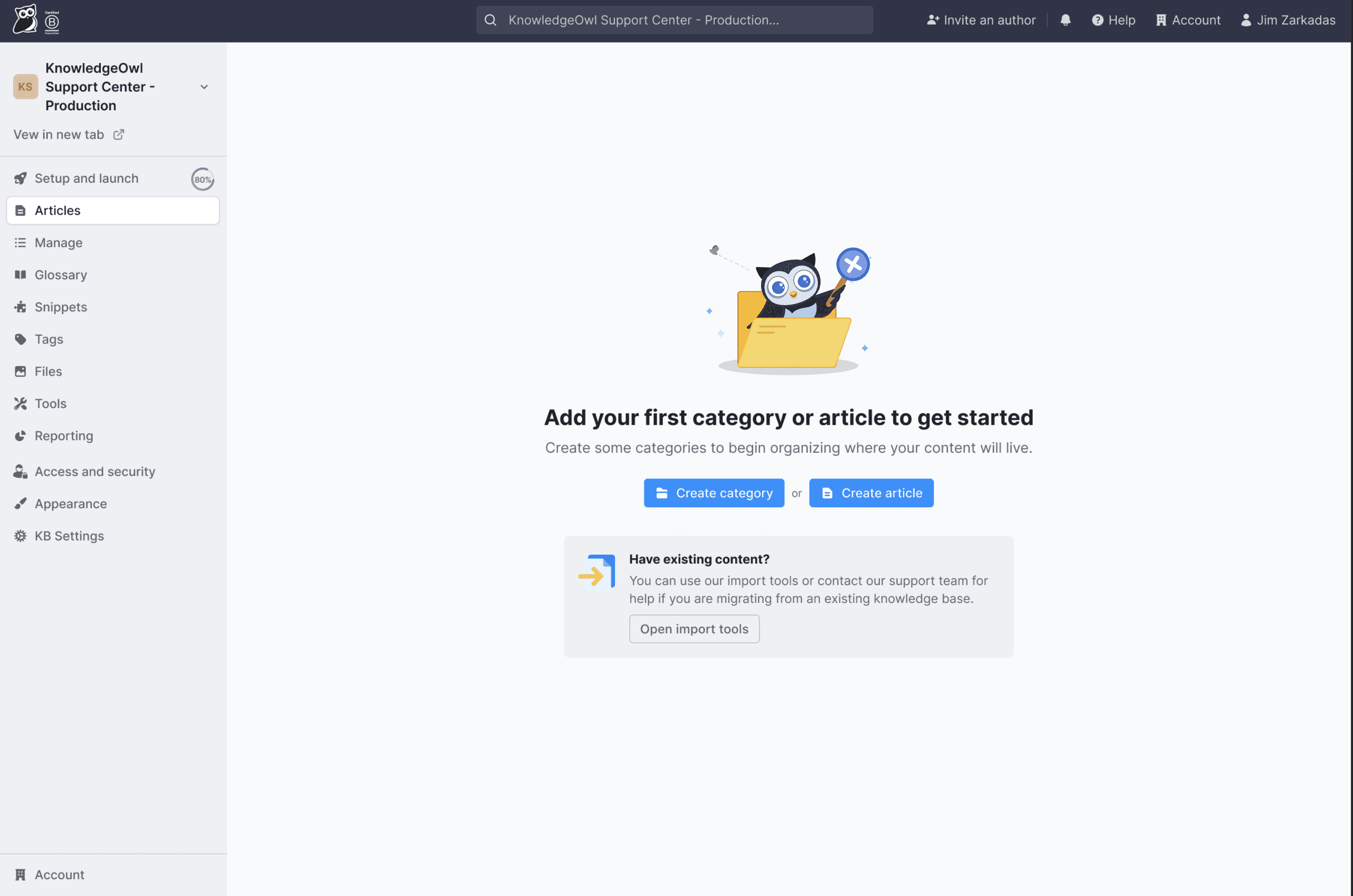
Try the knowledge base software your team will fall in love with
Reduce tickets, make information easy to find.
Happier employees, happier customers.
3
Become the tech writer everyone respects
Check out our podcast, The Not-Boring Tech Writer.
How teams are using KnowledgeOwl
Loved by 3,200+ knowledge base authors in software companies around the world