
All articles
Write the Docs – How do we know our documentation makes sense? by Anna Losif
Anna Losif is a software developer for the company Ushahidi. They make open source software for teams crowdsourcing information. Anna talked about their documentation challenges.
Published
Category
How do we know our documentation makes sense? by Anna Losif
Catherine Heath | June 7, 2019
Anna Losif gave a talk at Write the Docs Vilnius called 'How do we know our documentation makes sense'?
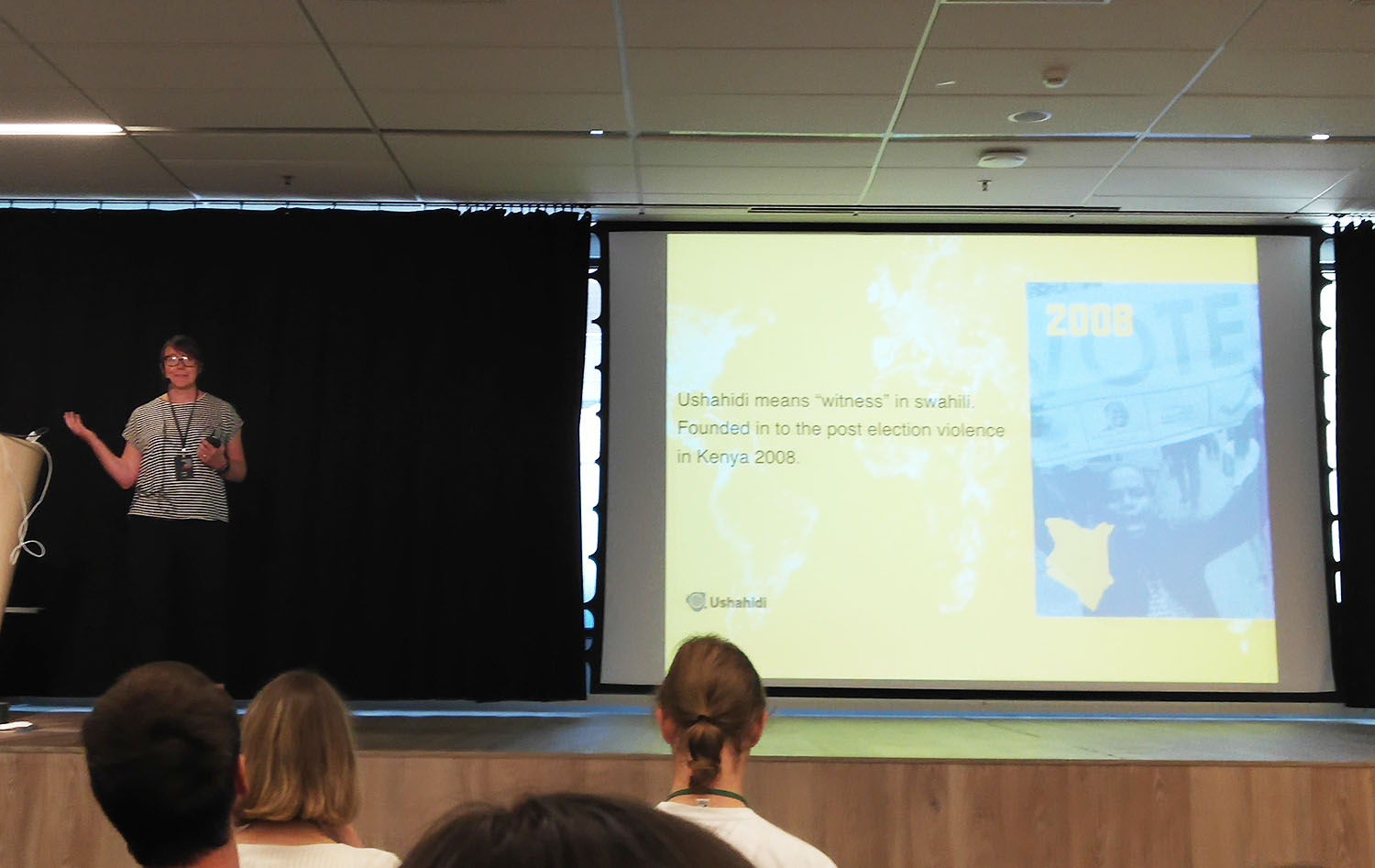
Sometimes documentation is a crucial way that an open source community engages with your software. Without it, contributions to your code may not happen because potential contributors don't understand how to use your software. Anna told us a story about this happening at her company.
Working for Ushahidi
Anna is a software developer working for a nonprofit called Ushahidi. Ushahidi means "witness" or "testimony" in Swahili. The company was founded in the post election violence in Kenya in 2008.
Ushahidi makes cloud-based open source software aimed at teams who want to crowdsource information. They also have a SaaS version. Ushahidi has a large open source community, lots of code contributions, meetup and events, documentation, and toolkits.
They also had a core team working with the software. In 2012, they started building a new version of the software – but they failed to bring on their open source community. This was a lesson they learned the hard way. A lack of documentation for the new version of their software also presented a significant obstacle.
Creating new documentation
It's not always easy to get grant funding for documentation, even though it's sorely needed. Luckily last fall, Ushahidi got a grant to create improved documentation for their product, including video tutorials and FAQs. They also had funding for meetups and hackathons.
They not only wanted to help the open source users of their documentation, but their software is also often used by people in the middle of a crisis such as a hurricane. Ushahidi have to produce documentation for a variety of users, and it's not always easy to get it right.
Many customers also don't have funding to hire a developer, and yet they have to set up the software quickly. The software requires some complex setup, which presents unique challenges for Ushahidi and their users.
Documentation challenges
When you work with something regularly, it's not always easy to see what is confusing for your users. It's better not to assume that people know any of the prerequisites for your documentation. It's also easy to get distracted during the course of your work, such as when the phone rings.
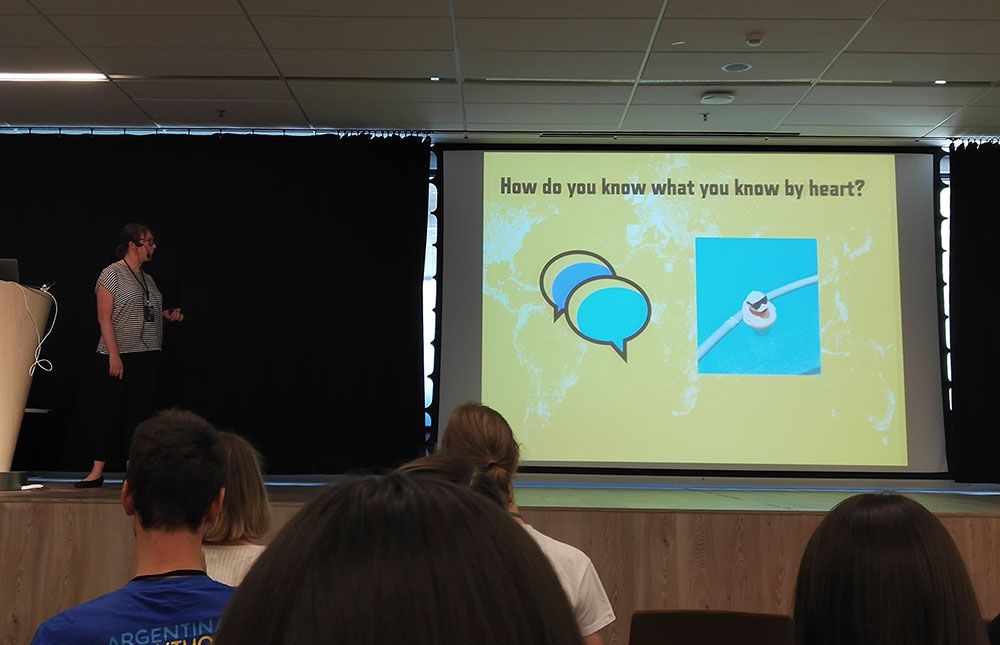
How do you know what you know by heart?
You can try something called rubber duck debugging. In software development, you say the problem out loud as though you're explaining it to a rubber duck. You can use the same technique for your documentation. If you go through and explain what you're doing, this helps you figure out if your documentation makes sense for users.
Anna recommends implementing more informative error messages, and using a Graphical User Interface with hints about the workings in the back-end. This has helped their users with onboarding and using the product.
Documenting for open source
If your users also include open source developers, they will be vocal about feeding back on issues with your software. Ushahidi participated in Hacktoberfest and wrote down many bugs that needed to be fixed.
People were interested in helping out, but they were asking questions like: where is the code? People were having trouble navigating to the right codebase.
The problem was that all of Ushahidi's issues and bugs were stored in the back end repository for their software – even if they related to the front end. Users could see open issues, but they didn't know how to find the frontend repository. They realised that the right solution was linking to the correct repository from each issue, and that they should also label first-time issues clearly.
Don't take anything for granted when it comes to documentation for your community!
Follow Ushahidi on Twitter, or find Anna on LinkedIn. Now, why not check out our general write-up of Write the Docs Vilnius.
Our very own knowledge base software KnowledgeOwl can help you create delightful documentation for your users. Take it for a free spin now.
{{snippet.authorCatherineHeath}} {{snippet.Disqus}}

Written by
Catherine Heath
Catherine is a freelance writer based in Manchester who writes blogs, social media content, and copy. She also designs owl-based images. 🦉

Follow these 3 steps to improve your knowledge base
1
Get expert tips every month in your inbox
No spam, pinky promise.


2
Try the knowledge base software your team will fall in love with
Reduce tickets, make information easy to find.
Happier employees, happier customers.

3
Become the tech writer everyone respects
Check out our podcast, The Not-Boring Tech Writer.

How teams are using KnowledgeOwl
Loved by 3,200+ knowledge base authors in software companies around the world


























