
All articles
Write the Docs – Technically you can: creating technical content for all audiences by Małgorzata Trojanowska
Discover effective strategies for creating technical content that appeals to diverse audiences. Learn from Małgorzata Trojanowska's insights at Write the Docs.
Published
Category
Technically you can: creating technical content for all audiences by Małgorzata Trojanowska
Catherine Heath | June 7, 2019
Content Writer and Community Manager Małgorzata Trojanowska delivered a talk at Write the Docs Vilnius called 'Technically you can: creating technical content for all audiences'.
Małgorzata works at Cloudoki, and she talked about creating technical content for audiences of different levels of technical ability. "Content strategy is like baking a cake," says Małgorzata.
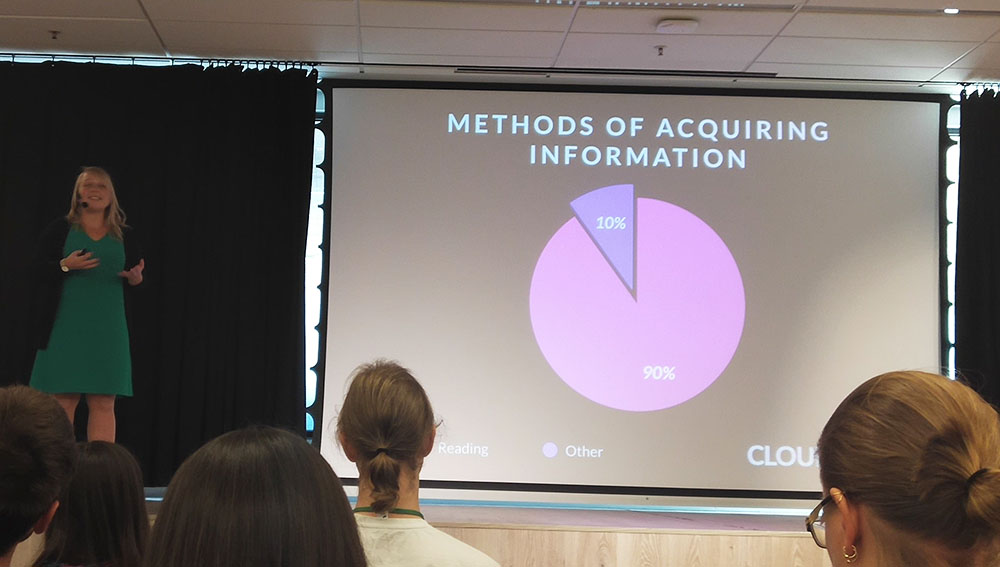
Work-related information is mostly acquired by reading – in fact, reading is responsible for people acquiring 90% of all information. This puts a lot of pressure on your technical documentation, because users are relying on it to do their jobs.
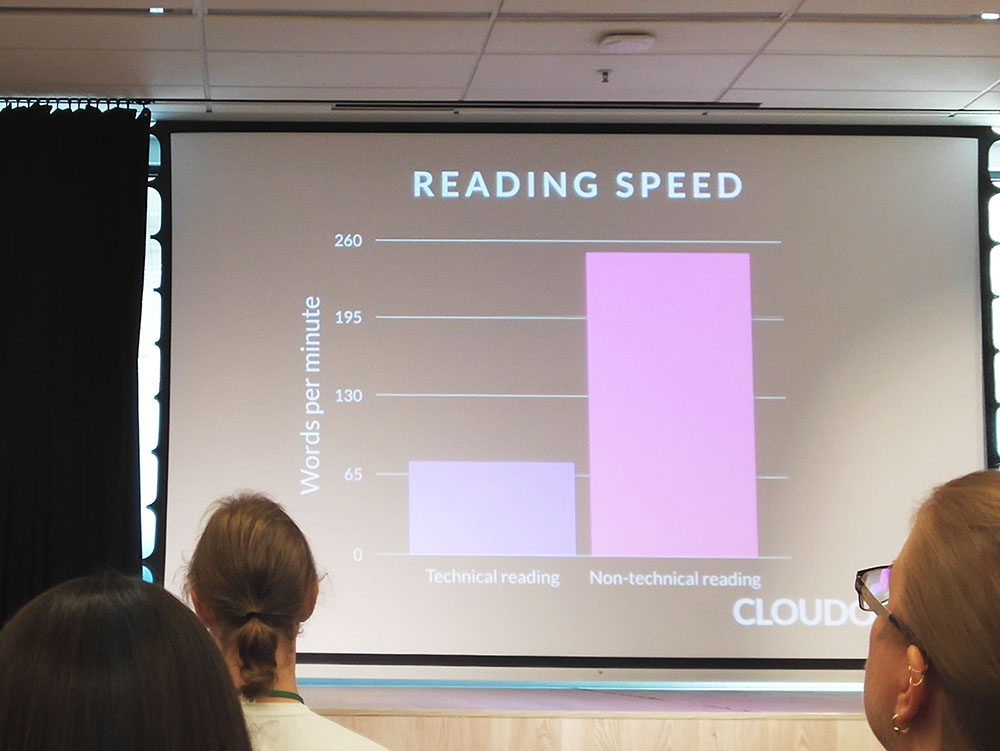
Unfortunately, a technical text takes much longer to read than a normal text. In fact, users can read at a rate of about 260 words per minute for a technical doc, compared to 70 words per minute for a regular text. That means that technical content needs to be written in a specific and approachable way.
Here is Małgorzata's advice on how to write technical content for all audiences:
Structure your work
Show, don't write
Spacing out your elements and text
Reduce textual clutter using tools like Hemingway or Vale, since they help you strip out superfluous words. When you read documentation, you have a wall of text. It's much less engaging than listening to someone speak in real life, so it's important to get right to the point.
People lose attention every 8 seconds, so use diagrams and pictures to keep them engaged. Whitespace is also your friend, since first impressions count. Whenever you write documentation, try to put spacing in it. We remember what we see.
Follow these three Ws in the process of writing your technical documentation:
W – Write what you'll write about
W – Write it
W – Write what you wrote
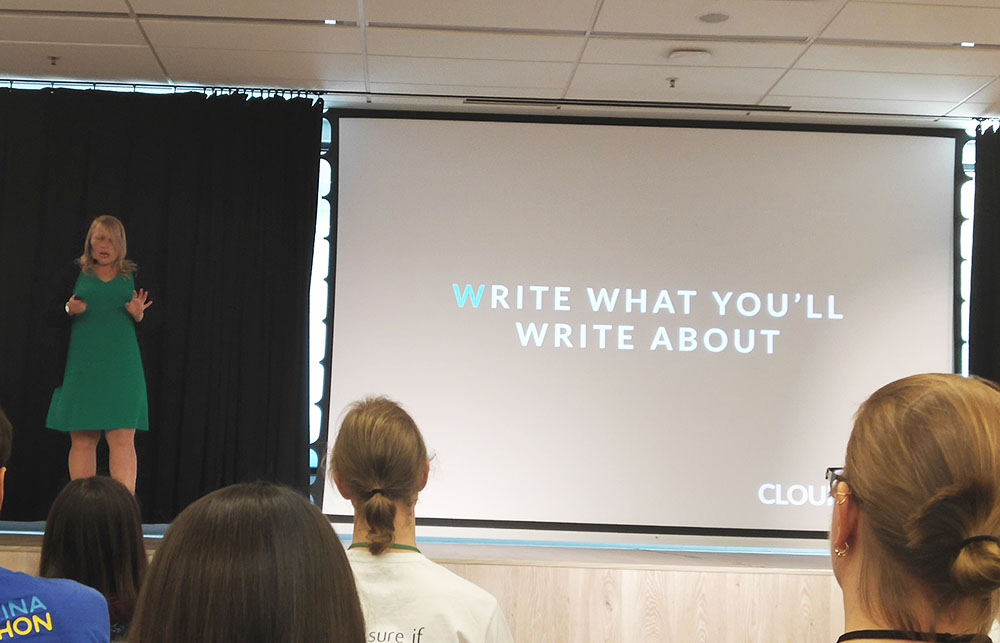
Every single word has to have a purpose, since your documentation can also be very useful for SEO. Choose the words that your company is targeting in your SEO strategy.
Define your acronyms
Don't make assumptions about what your readers know. For example there are a lot of acronyms, like API. Always define your acronyms. Include links to definitions of technical terms for non-technical people.
Use metaphors
Metaphors can be an extremely powerful tool. For example, Małgorzata didn't understand what an API was until watching a video about a restaurant as a metaphor.
Use primacy and recency
Primacy and recency effect means you remember things from the beginning and from the end. Remember this when writing your documentation.
Write short sentences
Using an 8-word sentence is a good rule for writing an easy sentence. There's a sentence that is almost 14,000 words long, which must be impossible to read.
Test the docs
Testing is also very important for documentarians. Test that your documentation actually works before considering it finished.
Avoid complexity
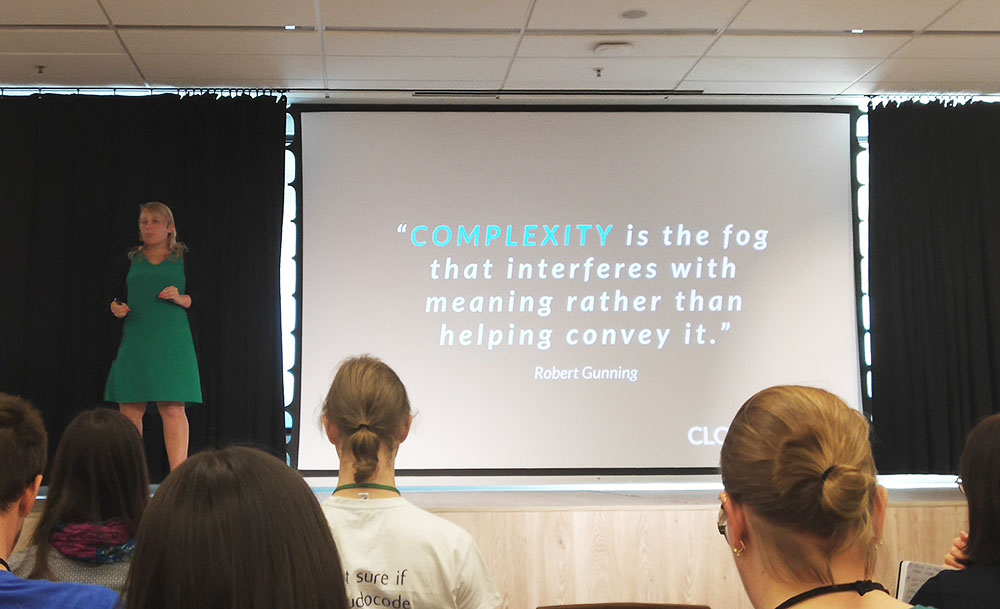
Try to avoid too much complexity in your writing, because it obscures meaning. Simple is key.
Our very own knowledge base software KnowledgeOwl can help you create delightful documentation for your users. Take it for a free spin now.

Written by
Catherine Heath
Catherine is a freelance writer based in Manchester who writes blogs, social media content, and copy. She also designs owl-based images. 🦉

Follow these 3 steps to improve your knowledge base
1
Get expert tips every month in your inbox
No spam, pinky promise.


2
Try the knowledge base software your team will fall in love with
Reduce tickets, make information easy to find.
Happier employees, happier customers.

3
Become the tech writer everyone respects
Check out our podcast, The Not-Boring Tech Writer.

How teams are using KnowledgeOwl
Loved by 3,200+ knowledge base authors in software companies around the world


























